
Moments: Photo Organizer
Your photo library, organized around the moments you lived.
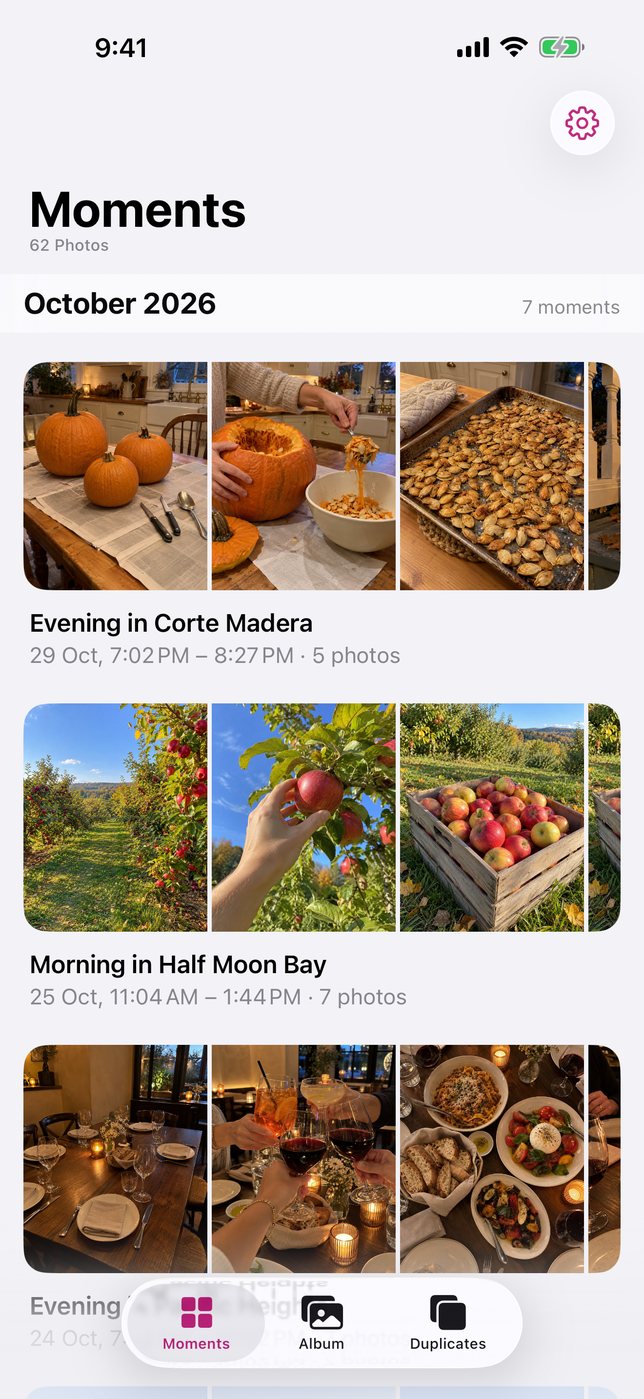
Trips, days out, gatherings. Moments brings the photos and videos from each event together, using when and where they were taken.
Private by design. Your photos never leave your iPhone.
Available on the App StoreComing soon
Free · iPhone only · iOS 18 or later
Need help? Get supportPrivate by design
Your photos never leave your iPhone.
Moments organizes your library entirely on your device. There is nothing to sign up for and nothing sent to the developer.
Processed on your iPhone
Grouping, naming and duplicate detection all run on the device. The developer runs no servers.
No account
No sign-in, no profile, no email address. Open the app and it works.
No tracking or ads
No analytics, no advertising and no third-party SDKs.
Data Not Collected
That is the App Store privacy label for Moments, because nothing about you is collected.
The only network use is Apple’s geocoding service, which may send photo coordinates to Apple to look up place names. When you choose to share a moment, its files go only to the destination you select.
Read the Privacy PolicyA little order for your library
From photos to moments.
Grouped for you. Yours to adjust.
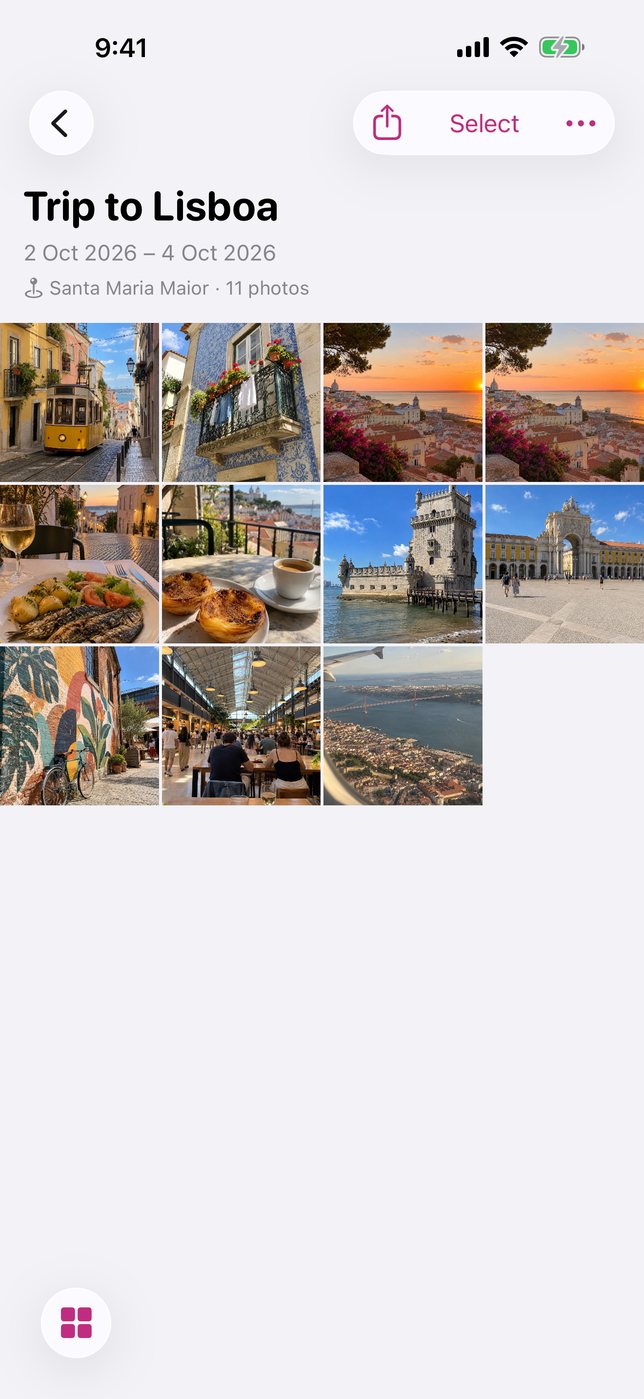
Moments groups photos and videos by capture time and location, and names each event from places and dates. Rename, merge or adjust moments as you like.
Find the extras.
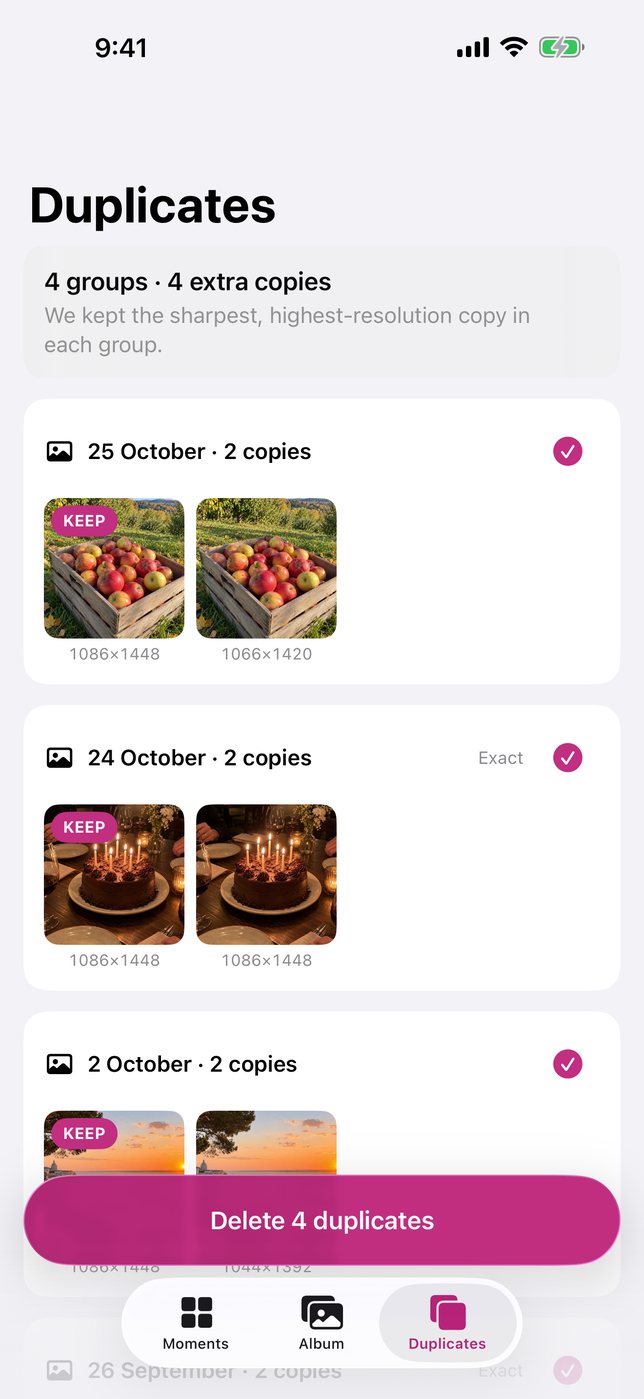
Review duplicate and near-duplicate photos and videos. Nothing is deleted without your confirmation, and removed items go to iOS Recently Deleted.
Share the whole moment.
Send a whole moment at once through the iOS share sheet. You choose where it goes.
A look inside
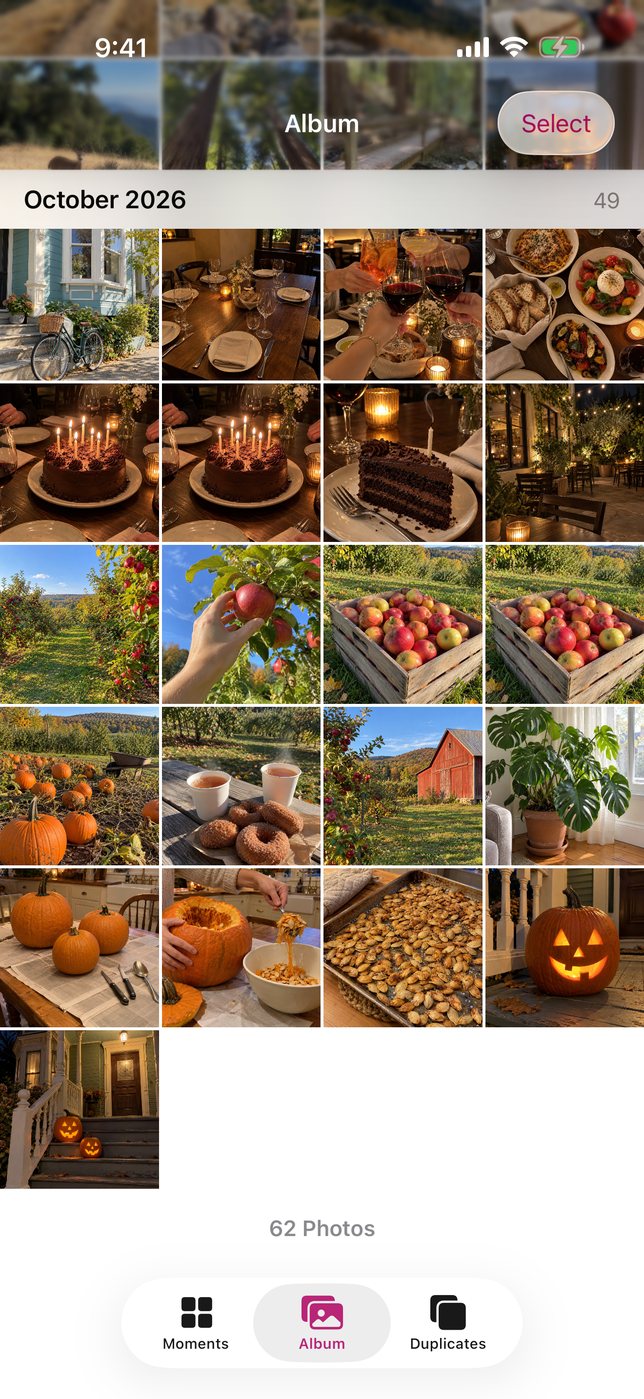
Your library, in view.
Scroll across to see the four screens.
Support
A little help.
Need help or found a problem? Contact Ali Mazid, the individual developer of Moments.
alimazid@gmail.comWhy does Moments need full photo access?
It groups your whole library into events. With limited access, it can only see the photos you selected.
How long does indexing take?
A few minutes for most libraries. It takes longer if your originals are stored in iCloud. Keep the app open while it indexes.
Will it delete anything on its own?
No. Duplicates are removed only after you confirm, and they go to Recently Deleted.
Is my data uploaded?
Moments does not upload your photos or videos. Processing happens on your iPhone. Apple’s geocoding service may receive photo coordinates to look up place names. See the Privacy Policy for details, including sharing you choose.